Prefer watching? Check out the video version on YouTube
അറിയില്ലാത്തവർക്കു വേണ്ടിയാണ്...
നമ്മൾ ഭൂരിഭാഗം Android users ന്റെയും default browser ഗൂഗിൾ Chrome ആയിരിക്കും. അല്ലേ?
Chrome വഴി ഇന്റർനെറ്റ് ബ്രൗസ് ചെയ്യുമ്പോൾ ചില സൈറ്റുകളിലെ പരസ്യങ്ങൾ (ads) ശല്യം ആവാറുണ്ടോ? ആവശ്യമുള്ള ലിങ്കുകളിൽ ക്ലിക്ക് ചെയ്യുമ്പോൾ redirect ആയി വേറെ tabs open ആയി പിന്നെയും പരസ്യങ്ങൾ കാണേണ്ടി വരാറുണ്ടോ?
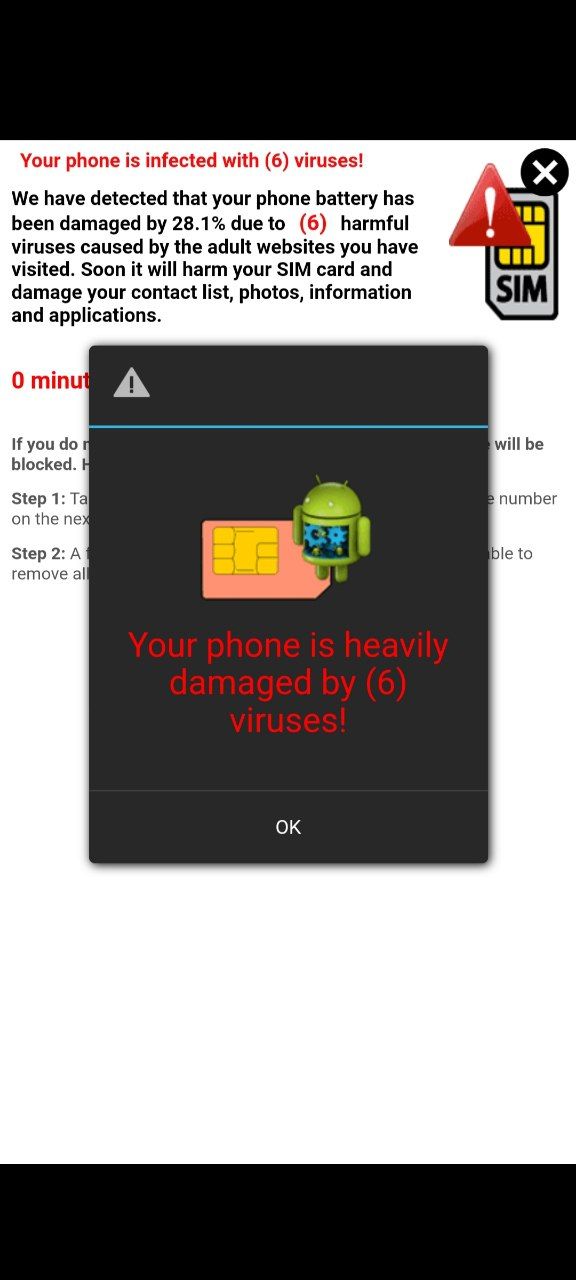
ഒരു private dns enable ചെയ്യുന്നതിലൂടെ ഇത് പരിഹരിക്കാം. (Except Google Ads)
Mx Player പോലുള്ള 3rd party ആപ്പുകളിൽ വരുന്ന in-app ads ഉം ഒഴിവാക്കാം.
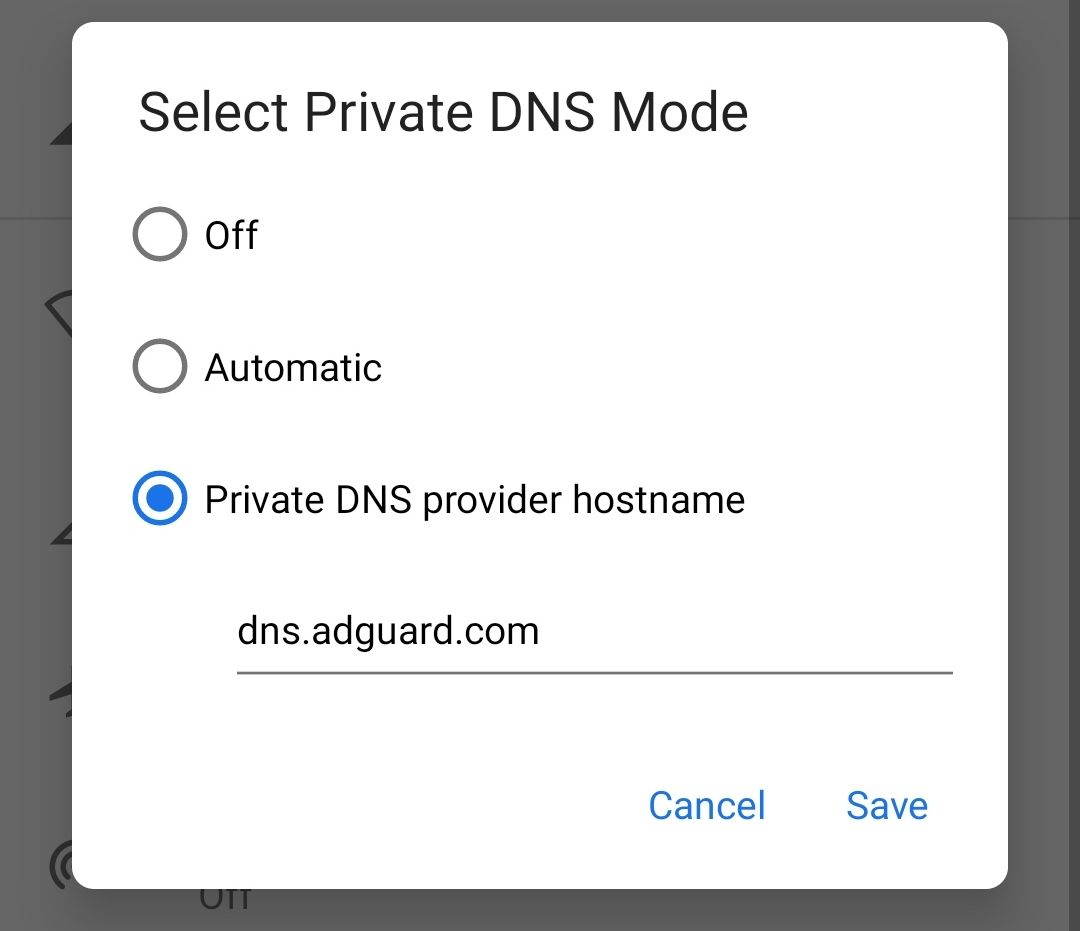
ഫോണിൽ settings ൽ DNS എന്ന് സെർച്ച് ചെയ്യുക.
(Settings > Network & Internet > Private DNS)
ശേഷം വരുന്ന ബോക്സിൽ (താഴെ screenshot ൽ കാണുന്നതു പോലെ) dns.adguard.com എന്ന് ടൈപ്പ് ചെയ്ത് save ചെയ്യുക.
PS: DNS enable ചെയ്യുന്നതിന് മുന്നേയും ശേഷവും kuttyweb.xyz പോലുള്ള പരസ്യം നിറഞ്ഞ സൈറ്റുകൾ ചുമ്മാ ഒന്നു വിസിറ്റ് ചെയ്തു നോക്കി വ്യത്യാസം മനസിലാക്കാം 😁
NB: Firefox, Brave പോലുള്ള ബ്രൗസറുകളിൽ add-ons ഉപയോഗിച്ച് ads block ചെയ്യാവുന്നതാണ്. സെപ്പറേറ്റ് ആപ്പ് install ചെയ്യാൻ താല്പര്യം ഇല്ലാത്തവർക്ക് dns change ചെയ്യാം.
• Current Activity എന്ന ആപ്പ് ഉപയോഗിച്ച് എങ്ങനെ full screen ads ഒഴിവാക്കാം എന്നു നോക്കാം..
💬 Comments
Comment will appear after review.
No comments yet. Be the first!